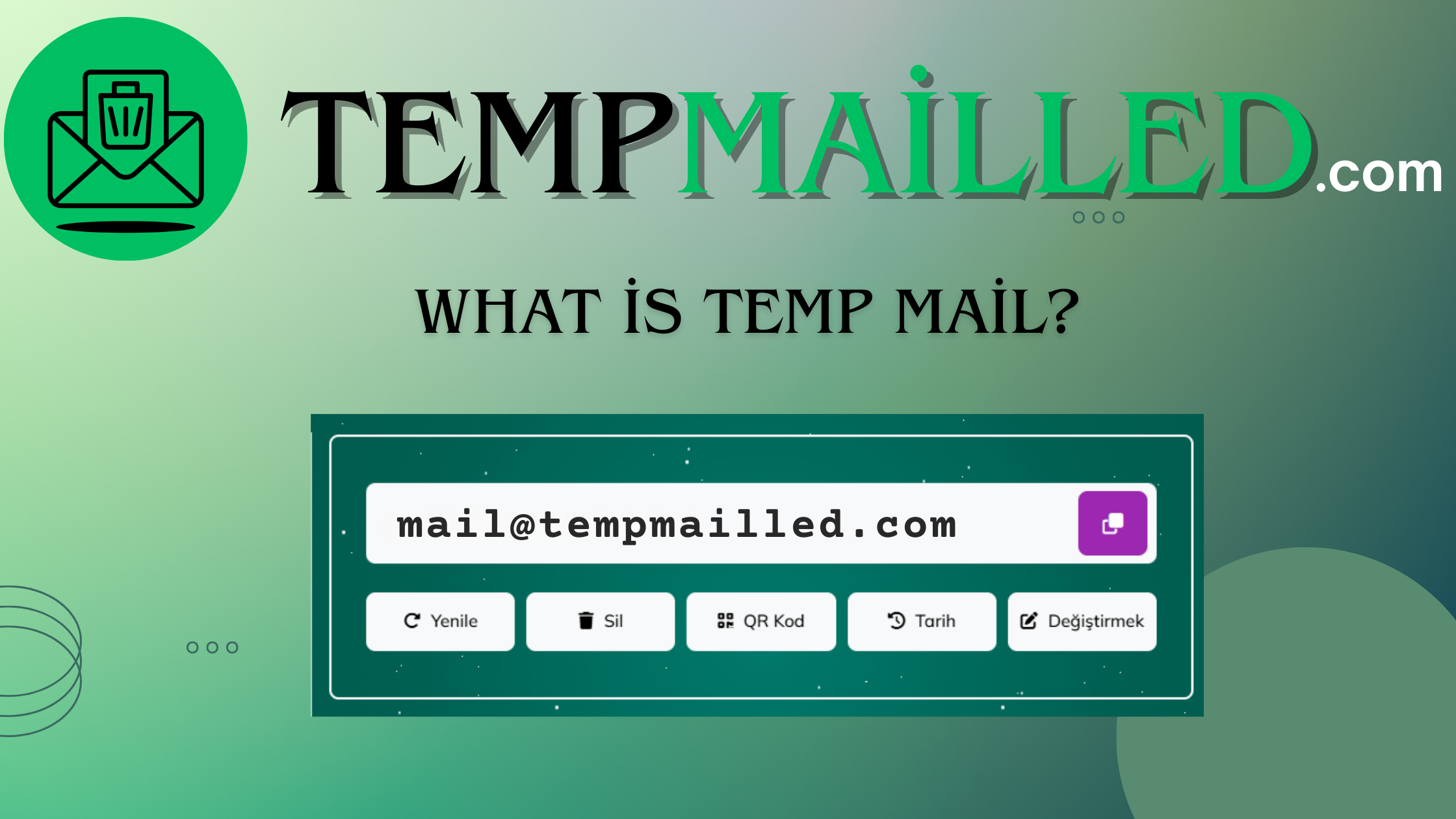
What is Temp Mail?
With the answer to "What is Temp Mail?" and the process of creating a temporary email, internet users navigating the complex and data-driven structure of the digital world can easily protect their personal privacy and primary email inboxes from unwanted messages. Using Temp Mail (Temporary Mail) is especially important to prevent potential data breaches and spam floods during registration processes for forums that require membership, one-time downloads, or websites whose reliability is uncertain. It should not be forgotten that an email address is not just a communication tool but also the key to your digital identity, and giving this key to every site poses significant risks. Thanks to the conveniences offered by the internet and disposable services, it is now much simpler to download files, receive verification codes, or try services without revealing your identity. Here's what Temp Mail is, how to use it, and all the details you need to know...
What is Temp Mail (Temporary Email) and Why is it Needed?
Understanding the Temp Mail system and ensuring your digital hygiene is no longer a luxury but a necessity in today's age of data mining. The surest way to understand if a Temp Mail service is secure or meets your needs is to check the level of anonymity it offers and the email deletion time. While this method may seem technical, it helps you achieve a clean inbox. Besides this, if you're looking for the answer to "What is Temp Mail used for and why should I use it?", you should consider the following main reasons:
Spam Protection: Many websites may sell your email address to marketing lists after you register or bombard you with advertisements. Temp Mail keeps this flow away from your main account.
Personal Data Privacy: It allows you to exist on digital platforms anonymously without giving away your primary email address, which may contain your real name and surname.
Security Testing and Software Development: Developers and testing experts use Temp Mail services instead of opening hundreds of real accounts to test their applications' email sending functions.
One-Time Verifications: For situations where you only need to register to download an e-book or read an article, you can get the job done with a temporary address without risking your permanent account.
How to Get a Temp Mail and How Does the Process Work?
For those researching online to create an email address in seconds whenever they need one, very simple and effective methods are offered. Creating a Temp Mail address right before you start filling out a registration form guarantees your future digital peace of mind. The most preferred ways to get a Temp Mail are using browser-based web services or mobile applications. Those searching for terms like "create email instantly" or "10-minute mail" on the internet can get an instantly activated inbox without the obligation to set a password or enter personal information. For more features or a custom domain extension, you may need to contact "Premium Temp Mail" services, but the free versions are more than sufficient for standard users.
The most common methods users resort to are:
Web-Based Services: The moment you enter the relevant site from your browser, you are assigned a random address (e.g., x82kds@tempmail.com).
Browser Extensions: With extensions installed on Chrome or Firefox, you can generate and paste an email address with a single click while on a registration form.
Mobile Applications: Through applications available in the iOS and Android markets, you can manage your temporary mailbox even while on the move.
What Should I Do If I Encounter Problems While Using Temp Mail?
There are key points that thousands of users researching to avoid issues like not receiving a verification code or the time expiring should pay attention to when using Temp Mail. You can quickly search for a solution by typing "Temp Mail verification code not received" in Google, but the core problem is usually related to the service's refresh time. To explain with an example, you can check for potential issues in Temp Mail usage as follows:
Refresh Button: If the inbox is not refreshing automatically, manually refresh the page to update your inbox.
Extend Time: If you are using a time-limited service like "10 Minute Mail" and the time is about to expire, you can usually keep the address active for another 10 minutes with the "Extend Time" button.
Choose a Different Domain: Some websites may have blocked known Temp Mail extensions (blacklist). In this case, you can get a new extension by using the "Change" or "Select Different Domain" feature offered by the service.
By acting consciously in this way, internet users can complete membership verification processes without a hitch through Temp Mail services or mobile applications. With the process of querying and using Temp Mail, you can minimize your digital footprint and gain full control against potential digital marketing traps.
What is the Difference Between Temp Mail and 'Burner Email'?
Temp Mail (Temporary Mail) and Burner Email are concepts that serve the same basic purpose but can show minor differences in terms of usage duration and methods. Temp Mail generally refers to addresses that are completely gone and irretrievable when you close the browser or after a certain period (10 minutes, 1 hour) expires. The term "Burner Email," however, can sometimes also encompass secondary email addresses that you use for a certain period and then manually delete or set up to forward (e.g., iCloud Hide My Email or Firefox Relay). Although these terms are used interchangeably today, the most distinct feature of Temp Mail is that it is "instant and requires no registration."
How Long Does a Temp Mail Address Stay Active?
The lifespan of a Temp Mail address varies depending on the infrastructure of the service you use. On standard services, addresses usually remain active between 10 minutes and 24 hours. However, on some systems, it may be possible to access the same address for days as long as you don't clear your browser cookies. On the other hand, on services with a "Self-Destructing" feature, the entire inbox and address information are permanently deleted from the servers the moment the time expires. Therefore, using Temp Mail for situations that require permanence (e.g., banking or government transactions) is definitely not recommended.
What to Consider When Using Temp Mail?
While navigating the world of Temp Mail, attention should be paid not only to the convenience of the address but also to security procedures. Especially if you are conducting transactions involving sensitive data, you should check the encryption protocols (SSL/TLS) of the service you are using. Additionally, if Temp Mail addresses are generated with predictable algorithms, the security of your inbox could be at risk. Another important point is that if you forget the password of a site you registered for using a temporary email, the "Forgot Password" link will be sent to that temporary address, and since it no longer exists, it will be impossible to recover your account. For this reason, it is vital to use this system only for memberships you can afford to lose.